
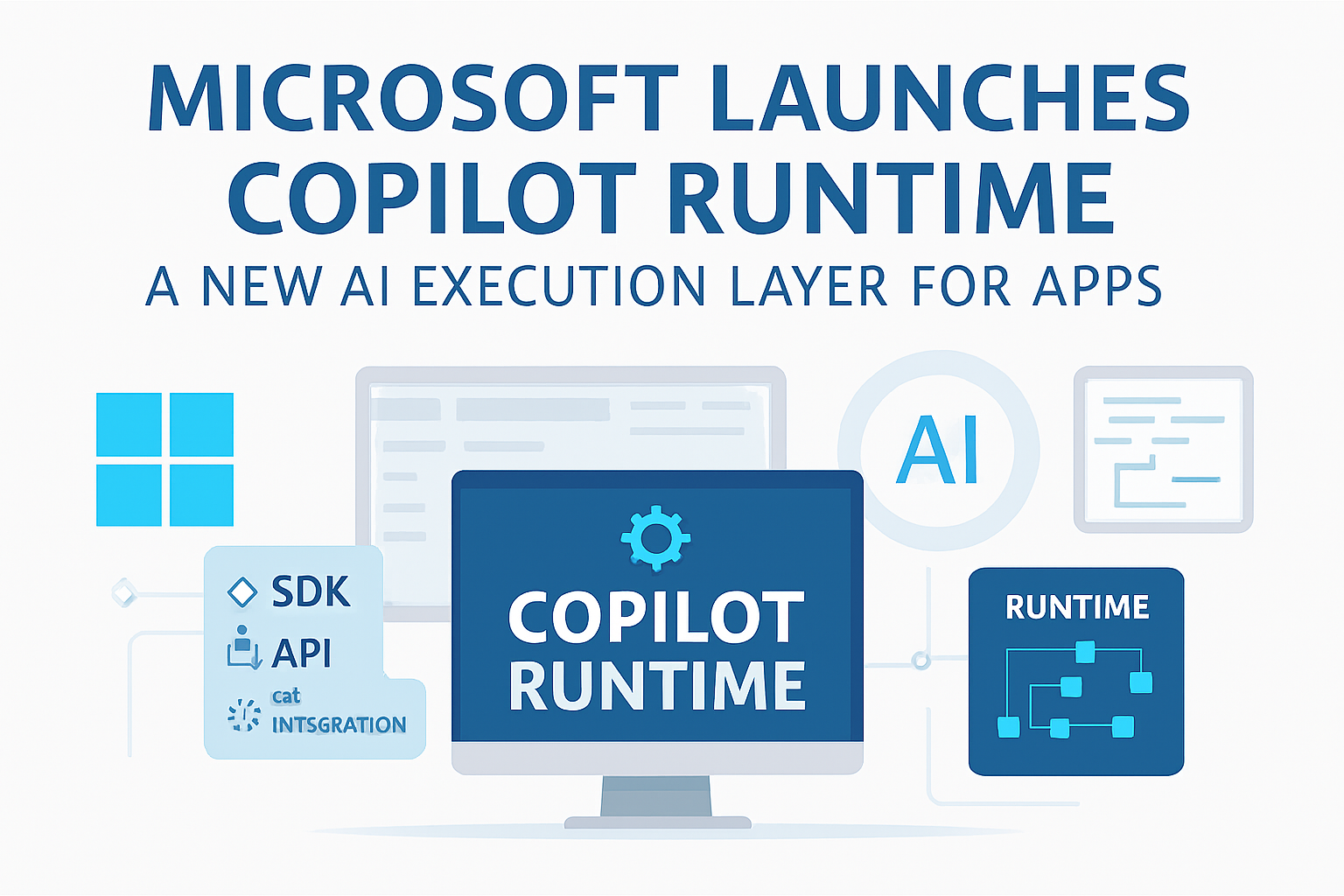
Microsoft used the stage at CES 2026 to introduce one of its most ambitious software initiatives to date: Copilot Runtime, a new AI execution layer designed to bring intelligent, agent‑based capabilities directly into desktop and mobile applications. Unlike previous Copilot integrations that lived inside Office apps or Windows, Copilot Runtime is a full software platform — a foundation that developers can embed into any application, regardless of operating system.
According to Microsoft’s keynote, the goal is to make AI “a native part of software,” not an add‑on. Copilot Runtime allows apps to understand context, anticipate user needs, and perform tasks autonomously using Microsoft’s latest inferential AI models.
A New Layer Between Apps and the OS
Copilot Runtime sits between the application and the operating system, acting as a real‑time AI interpreter. This layer can:
- Analyze user behavior
- Maintain contextual memory
- Trigger actions inside the app
- Communicate with cloud services
- Perform local inference when offline
This architecture allows developers to build apps that feel alive — apps that don’t just respond to input, but proactively assist users.
Microsoft describes it as “the AI equivalent of a graphics engine,” something every modern app will eventually rely on.
What Makes Copilot Runtime Different?
Traditional AI SDKs require developers to manually call APIs, send prompts, and manage responses. Copilot Runtime changes that model entirely.
Key differences:
- Agentic behavior: AI can take initiative, not just respond.
- Persistent memory: Apps can remember user preferences across sessions.
- Cross‑platform: Works on Windows, macOS, Android, and iOS.
- Local + cloud inference: Runs on‑device when possible, cloud when needed.
- Unified SDK: Same tools for desktop, mobile, and web apps.
This makes Copilot Runtime one of the most flexible AI platforms currently available.
Developer Tools: SDK, Studio, Guardrails, and Connectors
Microsoft introduced a full suite of tools to support Copilot Runtime:
✔ Copilot SDK
A lightweight library that developers can embed into their apps.
It provides:
- AI agent creation
- Context management
- Event triggers
- Workflow execution
- Memory access
✔ Copilot Studio
A visual environment for building AI workflows without writing code.
Developers can:
- Create logic flows
- Define agent behavior
- Set safety rules
- Integrate APIs
- Test interactions
✔ Copilot Guardrails
A safety framework that ensures:
- Data privacy
- Compliance with enterprise policies
- Ethical AI behavior
- Content filtering
✔ Copilot Connectors
Pre‑built integrations for:
- Microsoft 365
- Dynamics
- Salesforce
- Slack
- GitHub
- Custom APIs
This ecosystem makes Copilot Runtime suitable for both startups and large enterprises.
Real‑World Use Cases Demonstrated at CES
Microsoft showcased several live demos to illustrate how Copilot Runtime transforms software.
🏥 Healthcare
A patient intake app used Copilot Runtime to:
- Pre‑fill forms
- Detect missing information
- Suggest triage priorities
- Summarize patient history
💼 Productivity
A task manager automatically:
- Prioritized tasks
- Suggested meeting times
- Drafted follow‑up emails
- Synced with Outlook and Teams
🛒 Retail
A point‑of‑sale system:
- Predicted customer needs
- Suggested upsells
- Managed inventory alerts
📚 Education
A learning app:
- Adapted difficulty in real time
- Provided personalized feedback
- Generated practice questions
These demos highlighted how Copilot Runtime can turn ordinary apps into intelligent assistants.
Deep Integration with Windows and Azure
Copilot Runtime is tightly integrated with Microsoft’s ecosystem.
Windows Integration
Apps can access:
- User activity context
- Calendar and email signals
- Local files and settings
- On‑device inference models
Azure Integration
Developers can:
- Deploy custom models
- Use Azure OpenAI Service
- Access vector databases
- Scale inference workloads
This hybrid model ensures performance, privacy, and flexibility.
Privacy and Security: A Core Focus
Microsoft emphasized that Copilot Runtime was built with privacy at its core.
Privacy Features
- Local inference for sensitive tasks
- User‑controlled memory
- Encrypted cloud sync
- Enterprise‑grade compliance
- Transparent data logs
Users can see exactly what the AI knows and delete memory at any time.
Competitive Landscape
Copilot Runtime enters a competitive market, but Microsoft has several advantages:
Competitors:
- Google Gemini SDK
- OpenAI API
- Meta Llama integrations
- Apple Intelligence (iOS‑only)
Microsoft’s strengths:
- Deep OS integration
- Enterprise trust
- Cross‑platform support
- Mature developer tools
- Azure AI infrastructure
TechCrunch noted that Copilot Runtime could become “the default AI layer for Windows apps,” similar to how DirectX became the standard for graphics.
Developer Adoption and Roadmap
Microsoft announced that Copilot Runtime is available in developer preview starting Q1 2026, with a full release planned for late 2026.
Roadmap Highlights:
- Q1 2026: SDK preview
- Q2 2026: Copilot Studio beta
- Q3 2026: Enterprise connectors
- Q4 2026: Full release
- 2027: Local model marketplace
Developers can already access documentation, sample apps, and GitHub templates.
Impact on the Software Industry
Copilot Runtime could reshape how software is built:
For Developers
- Faster development cycles
- Less boilerplate code
- Built‑in intelligence
- Cross‑platform consistency
For Businesses
- Smarter internal tools
- Automated workflows
- Better customer experiences
- Lower development costs
For Users
- Apps that adapt to their needs
- Less manual work
- More intuitive interfaces
- Personalized experiences
This shift mirrors the transition from static websites to dynamic web apps — but now with AI at the core.
Official Video – Microsoft Copilot Runtime
https://www.youtube.com/watch?v=JvZK0gkYqZg
Fun Fact
The first version of Copilot launched in 2023 as a simple assistant inside Microsoft 365 — but Microsoft always planned for it to become a full AI platform.
Conclusion
Copilot Runtime is one of the most significant software announcements of CES 2026.
By introducing a cross‑platform AI execution layer, Microsoft is redefining how applications are built, how they behave, and how they interact with users.
This is not just an SDK — it’s the beginning of a new era where AI becomes the foundation of modern software.