

Fun Fact: Microsoft Edge was so irrelevant after its 2015 launch that internally, Microsoft employees reportedly used Chrome to download Chrome. The Chromium rebuild in 2020 didn’t just save the browser — it gave Microsoft a foundation to build something genuinely competitive. Edge 132 is what that foundation looks like four years later.
Microsoft Edge 132 landed in the Stable Channel in January 2026, and it’s the kind of update that doesn’t generate headlines but matters more than most of the ones that do.
No dramatic redesign. No splashy feature announcement. Just a browser getting quietly better at the things that determine whether people actually use it — memory management, profile switching, workspace reliability, and a security baseline that enterprise IT teams can actually trust.
Microsoft Edge 132 AI Profile Switching Is More Interesting Than It Sounds
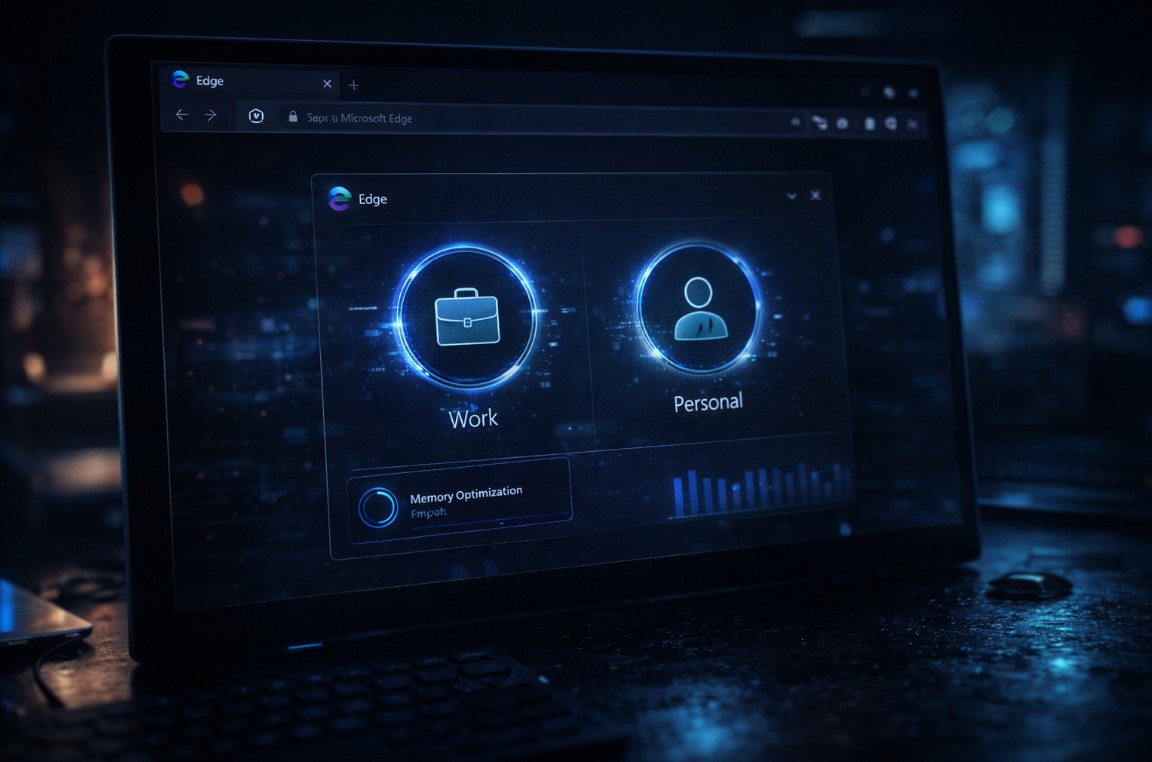
Smart Profiles is the feature Microsoft is leading with, and the pitch is straightforward: Microsoft Edge can now detect context — work-related sites, personal browsing patterns, login states — and automatically prompt you to switch to the appropriate profile.
That sounds minor until you’ve spent time with a browser that doesn’t do it. The cognitive tax of manually managing work and personal contexts across a single browser is real, especially as more people use one device for everything. Edge 132 reduces that friction without removing control — it prompts rather than forces, which is the right call.
The AI logic behind the detection hasn’t been fully documented, but early reports suggest it’s keyed to domains, saved credentials, and browsing patterns rather than anything more invasive. The practical result is a browser that adapts to how you’re actually working rather than demanding you manage its state manually.
Memory Saver 2.0 Is the Performance Change Most Users Will Actually Feel
The Memory Saver improvements in Microsoft Edge 132 are less glamorous than Smart Profiles but more immediately impactful for most users.
The previous version was functional but blunt — it put inactive tabs to sleep without much intelligence about which ones to prioritize or how quickly to restore them. Version 132 sharpens both ends of that equation: more accurate detection of genuinely inactive tabs, and faster restoration when you come back to them. The background memory consumption drop is measurable on devices with limited RAM, which describes a large portion of the installed base.
For anyone running Edge with 20+ tabs open — which is most people who use a browser seriously — this is the update that makes the difference between a responsive browser and one that’s constantly competing with itself for resources.
What the Microsoft Edge 132 Enterprise Features Actually Mean
The Intune policy integration is the least interesting feature for individual users and the most significant for IT administrators. Microsoft has consolidated cloud policies and Intune policies into a single management panel, which sounds like infrastructure plumbing but represents real reduction in administrative overhead for organizations managing Edge across thousands of devices.
The competitive context matters here. Chrome has a mature enterprise management ecosystem that Edge has been playing catch-up with since the Chromium rebuild. Edge 132’s unified policy dashboard closes that gap meaningfully — not all the way, but enough that it removes one of the remaining reasons enterprise IT teams default to Chrome.
The security fixes in this release are also worth noting without dwelling on. Chromium-based vulnerability patches, strengthened password manager protections, improved site-isolation behavior. None of it is dramatic, but the cumulative security baseline is solid and the patch cadence is consistent.
The Price Tracker Nobody Asked For, But Someone Will Use
The upgraded price tracker in Microsoft Edge 132 — now monitoring changes directly from the address bar with real-time alerts — is the feature that reveals the most about Microsoft’s consumer strategy for Edge.
It’s not something power users want. Most people who care about browser choice have turned it off. But it serves a real function for a segment of users who treat their browser as a shopping tool, and Microsoft keeps iterating on it because the data presumably supports that.
The honest assessment: if you use Edge for shopping, this is genuinely useful. If you don’t, it’s easy to ignore and it doesn’t get in the way of anything else.
Edge 132 isn’t a browser-defining release. It’s the kind of steady, compounding improvement that turns a browser people tolerate into one they prefer. Whether Microsoft can sustain that cadence long enough to shift the market share math is the question that makes each of these updates worth paying attention to.
Sources
Microsoft Edge release notes — version 132 Stable Channel, January 2026
Neowin — Microsoft Edge 132 feature coverage, January 2026
Last updated: March 2026
Originally published at TechFusionDaily by Nelson Contreras
https://techfusiondaily.com