Windows 12 January 2026 — Microsoft has kicked off 2026 with a major update to Windows 12, introducing a wave of improvements centered around AI integration, Recall 2.0, and system performance. The January update, now rolling out to Copilot+ PCs and select Windows Insider channels, reflects Microsoft’s continued push to make Windows smarter, faster, and more secure. This release marks a pivotal moment in the evolution of the operating system, as Microsoft deepens its commitment to on-device AI, privacy-first design, and seamless productivity across hardware tiers
From deeper on‑device AI processing to a redesigned Recall experience, this update marks a significant evolution in how users interact with their operating system. It’s not just about new features—it’s about redefining the core of Windows as an intelligent, privacy‑aware platform.
Recall 2.0: Smarter, Safer, and More Transparent
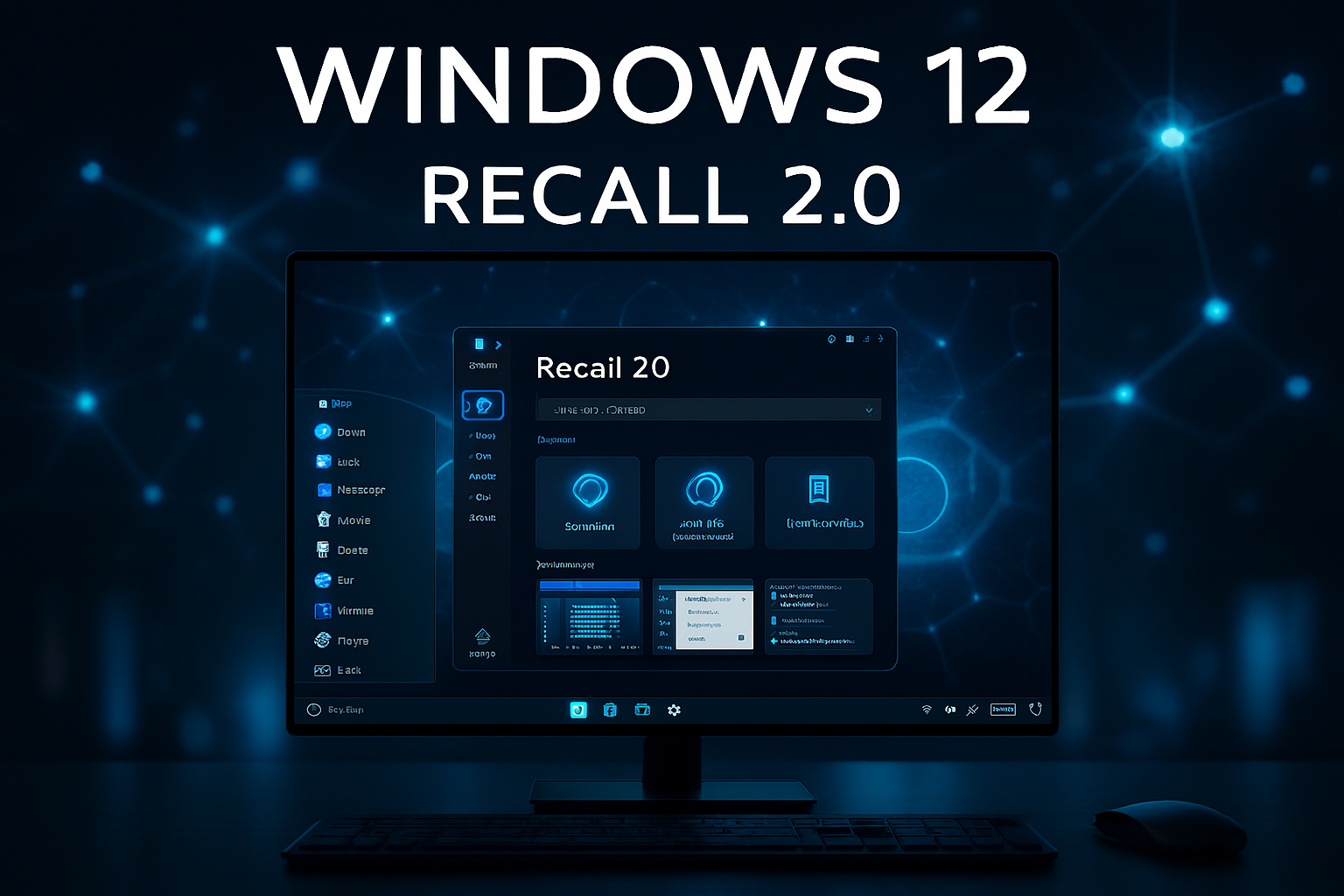
One of the most talked‑about features in Windows 12 is Recall, Microsoft’s AI‑powered “photographic memory” for your PC. With Recall 2.0, the experience has been refined to address early concerns around privacy, transparency, and control.
What Is Recall?
Recall uses AI to capture snapshots of your activity—web pages, documents, chats, apps—and makes them searchable through natural language queries. It’s designed to help users “remember” what they saw, read, or worked on, even weeks ago.
What’s New in Recall 2.0?
- Improved indexing: Faster and more accurate retrieval of snapshots
- Contextual search: You can now ask Recall things like “Show me the PDF I read about climate policy last week”
- Privacy dashboard: A new interface lets users manage what Recall stores, delete snapshots, and control retention settings
- Local processing: All Recall data is stored and processed on‑device, leveraging the Neural Processing Unit (NPU) for speed and privacy
Microsoft has emphasized that Recall 2.0 is exclusive to Copilot+ PCs, which feature NPUs capable of handling AI workloads locally. This ensures that sensitive data never leaves the device, addressing one of the biggest criticisms of the original Recall preview.
AI Enhancements Across the OS
Beyond Recall, Windows 12 is becoming more intelligent across the board. The January update introduces several new AI‑powered features designed to improve productivity, accessibility, and user experience.
Key AI Features
- Click to Do (Preview): A new AI assistant that suggests actions based on your activity—like scheduling meetings, replying to emails, or summarizing documents
- Describe Image: A built‑in tool that uses AI to generate alt text and captions for images, useful for accessibility and content creation
- Improved Windows Search: Natural language queries now work better, allowing users to search for “the Excel file with Q4 numbers” or “the email from John about budget”
- Copilot Integration: Copilot is now more deeply embedded into system settings, file explorer, and even the taskbar, offering contextual help and automation
These features are powered by on‑device AI models, meaning they work offline and don’t require cloud access. This shift to edge AI improves responsiveness and reduces latency, while also enhancing privacy.
Performance and Efficiency Upgrades
Windows 12 January update isn’t just about AI—it also delivers meaningful improvements in speed, battery life, and system responsiveness.
Performance Highlights
- Faster boot times: Up to 20% faster on Copilot+ PCs
- Reduced background CPU usage: Thanks to smarter resource allocation
- Improved battery life: AI workloads now run more efficiently on NPUs, reducing strain on the CPU and GPU
- Optimized animations and transitions: The UI feels smoother, especially on high refresh rate displays
Microsoft has also fine‑tuned memory management, resulting in fewer slowdowns during multitasking and better performance in apps like Photoshop, Excel, and Edge.
Security and Privacy Improvements
Security remains a top priority for Microsoft, and the January update introduces several enhancements:
- Recall Security Architecture: Recall 2.0 includes new encryption protocols, secure containers, and audit logs to protect stored snapshots
- Smart App Control: AI now helps detect and block suspicious apps in real time
- Windows Hello Enhancements: Faster facial recognition and fingerprint scanning
- Privacy Dashboard: A centralized hub to manage permissions, Recall data, and telemetry settings
These updates reflect Microsoft’s commitment to AI transparency and user control, especially as more features rely on personal data and behavioral analysis.
UI and Accessibility Tweaks
While not a full redesign, Windows 12 has received subtle UI updates:
- Refined Fluent Design: More consistent shadows, rounded corners, and spacing
- New system icons: Updated to match Windows 12’s modern aesthetic
- Accessibility improvements: Voice Access now supports more languages, and Narrator has better web page navigation
The taskbar and Start menu also feel snappier, with improved animations and quicker access to pinned apps and recent files.
Compatibility and Rollout
The January update is currently available for:
- Copilot+ PCs (with NPUs capable of 40+ TOPS)
- Windows Insider Beta Channel
- Select Surface devices (Surface Pro 10, Surface Laptop 6)
Microsoft plans a broader rollout in February 2026, with Recall 2.0 remaining exclusive to Copilot+ hardware.
Competitive Landscape
| Feature | Windows 12 | macOS Sonoma | ChromeOS |
|---|---|---|---|
| AI Assistant | Copilot + Click to Do | Siri + Spotlight | Google Assistant |
| AI Memory | Recall 2.0 | None | None |
| On‑Device AI | Yes (NPU) | Limited | Limited |
| Battery Optimization | AI‑driven | App‑driven | App‑driven |
| Privacy Controls | Local AI + Dashboard | Cloud‑based | Cloud‑based |
Windows 12 is clearly leading in on‑device AI integration, especially with Recall and Copilot features that work offline and respect user privacy.
Conclusion: A Smarter, Faster, More Private Windows
The January 2026 update to Windows 12 is more than a patch—it’s a strategic leap toward AI‑driven computing. With Recall 2.0, smarter Copilot integration, and performance boosts across the board, Microsoft is positioning Windows as the most advanced personal OS on the market.
As AI becomes central to productivity, creativity, and system management, Windows 12 is setting the standard for how these technologies should be implemented: locally, securely, and transparently.
🧠 Fun Fact (Software)
The first version of Windows with built‑in AI was Windows 3.0 in 1990—with a basic rule‑based help system. Today, Windows 12 runs neural models locally with over 40 trillion operations per second.