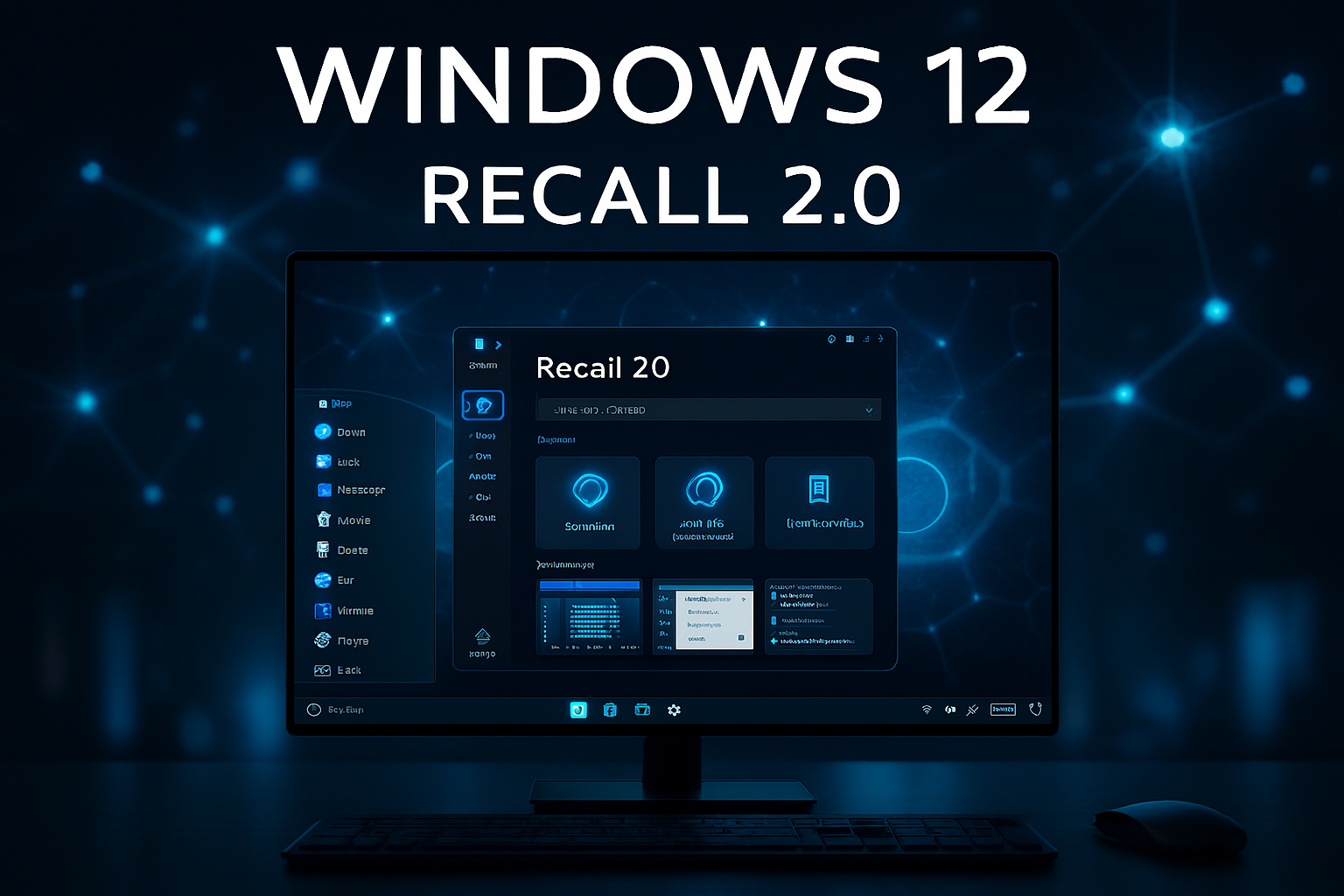

Microsoft has officially unveiled Recall AI, a powerful new feature designed to help users search and retrieve anything they’ve previously seen on their PC — including documents, websites, emails, apps, and even transient content like chat messages or pop‑ups. This innovation, announced as part of the upcoming Windows 12 update, could dramatically change how people interact with their devices and manage digital information.
Recall AI uses advanced machine learning and semantic indexing to create a searchable timeline of user activity, allowing you to “recall” moments from your digital life with unprecedented precision.
What Is Recall AI?
Recall AI is a system‑level feature that continuously captures and indexes on‑screen content. Unlike traditional search tools that rely on filenames or keywords, Recall AI:
- Records visual content from your screen
- Converts it into searchable semantic data
- Allows users to search by concept, context, or visual memory
- Supports natural language queries like “show me the chart I saw last Tuesday”
This means users can retrieve information even if they forgot the file name, location, or app used.
How It Works
Recall AI operates in the background, capturing snapshots of your screen at regular intervals. These snapshots are:
- Processed locally using on‑device AI
- Converted into semantic metadata
- Stored securely in a private timeline
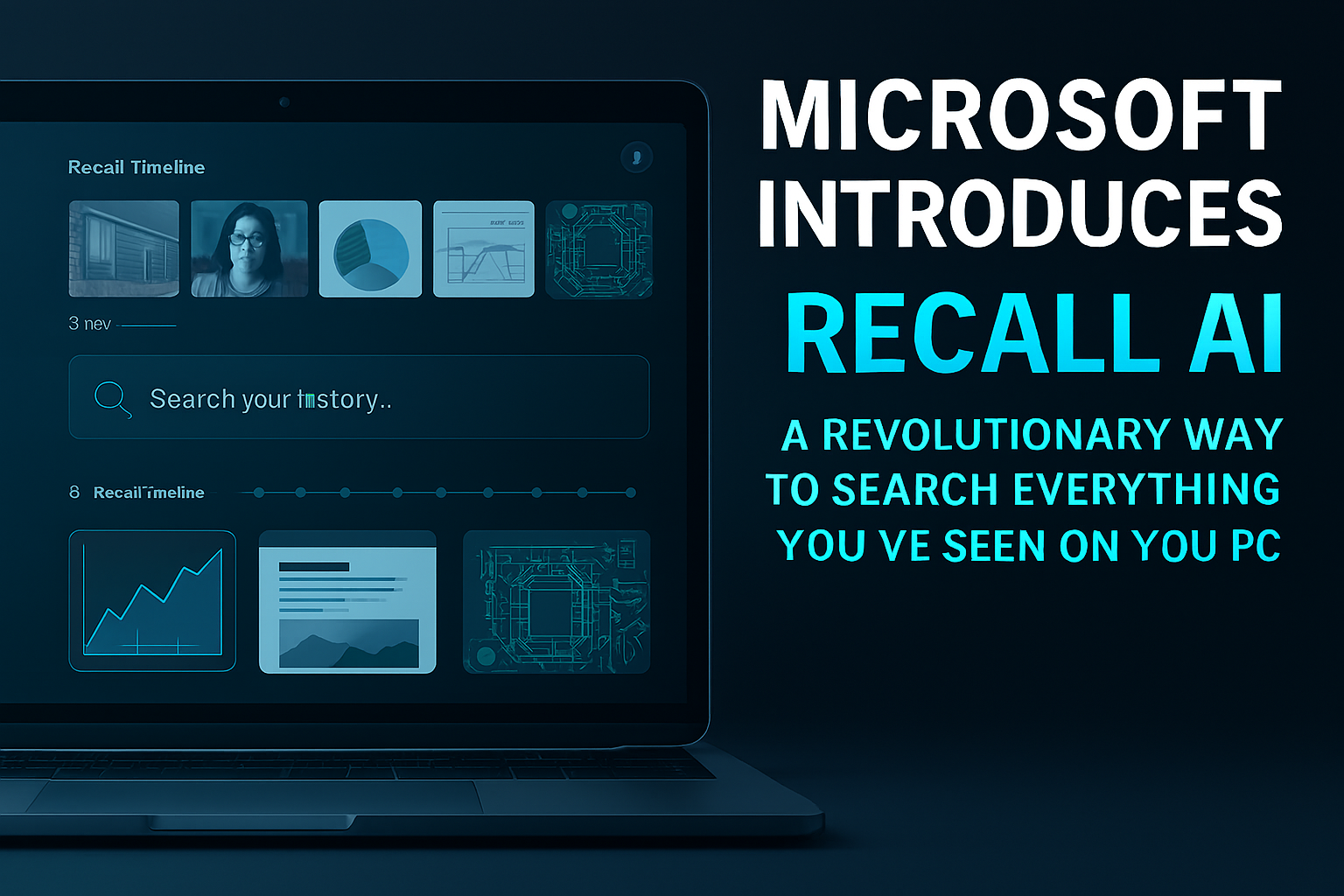
Users can then access a Recall Timeline, a visual interface that lets them scroll through past activity or search using natural language.
Use Cases and Benefits
Recall AI is designed to improve productivity and reduce frustration. Key use cases include:
- Finding lost documents without knowing the name or folder
- Retrieving website content viewed days or weeks ago
- Locating specific emails or messages based on context
- Tracking research progress across multiple apps
- Remembering visual data like charts, tables, or designs
This feature is especially useful for professionals, students, and researchers who deal with large volumes of information daily.
Privacy and Security
Given the sensitive nature of screen content, Microsoft has emphasized privacy controls:
- All data is stored locally, not in the cloud
- Users can pause or disable Recall AI at any time
- Specific apps or windows can be excluded from capture
- Data is encrypted and accessible only to the device owner
Microsoft also provides transparency tools to show what’s being captured and how it’s indexed.
Integration with Windows and Copilot
Recall AI is deeply integrated into Windows 12 and works seamlessly with Microsoft Copilot, the company’s AI assistant. Users can ask Copilot:
- “Find the spreadsheet I saw during yesterday’s meeting”
- “Show me the article I read about quantum computing last week”
- “Locate the design mockup I reviewed in Figma two days ago”
Copilot uses Recall AI’s semantic index to deliver precise results, even across multiple apps and formats.
Performance and System Impact
Microsoft claims Recall AI is optimized for performance and won’t slow down the system. It uses:
- Efficient snapshot compression
- Smart indexing algorithms
- Adaptive capture frequency based on user activity
Tests show minimal impact on CPU and storage, especially on newer devices with dedicated AI chips.
Availability and Requirements
Recall AI will be available in Windows 12, expected to launch in late 2026. It will require:
- A compatible device with AI acceleration (e.g., NPU or dedicated AI cores)
- Windows 12 Pro or Enterprise edition
- Minimum 16 GB RAM and SSD storage
Microsoft plans to roll out Recall AI gradually, starting with enterprise users and expanding to consumers.
Conclusion
Recall AI represents a bold step forward in personal computing. By allowing users to search everything they’ve seen — not just saved — Microsoft is redefining digital memory and productivity. This feature could become a cornerstone of future operating systems, where AI helps users navigate their digital lives with ease and intelligence.
As the boundaries between memory, search, and assistance continue to blur, Recall AI positions Microsoft at the forefront of the next wave of software innovation.
💡 Fun Fact (Software)
The concept of semantic search — understanding meaning rather than keywords — was first introduced in academic papers as early as 2003, but only now is it becoming mainstream thanks to AI.