

🎯 Fun Fact
The original Oculus Rift Kickstarter in 2012 promised “VR for the masses.”
Twelve years later, Meta is still chasing that dream — only now with sleeker hardware, a bigger ecosystem… and a far more complicated mission.
The Meta Quest 3 arrives at a weird moment for virtual reality.
The hype has cooled. The metaverse buzzword quietly faded. Even longtime fans started asking: “What’s next for VR?”
And yet, here comes Meta — again — with a headset that feels like a statement:
VR isn’t dead. It’s evolving.
And the Quest 3 wants to be the device that finally connects gamers, casual users, and everyone in between.
But… does it succeed?
Let’s break it down — not with marketing slides, but with real-world use.
🪶 Design and Comfort: Lighter, Sleeker, Finally Wearable
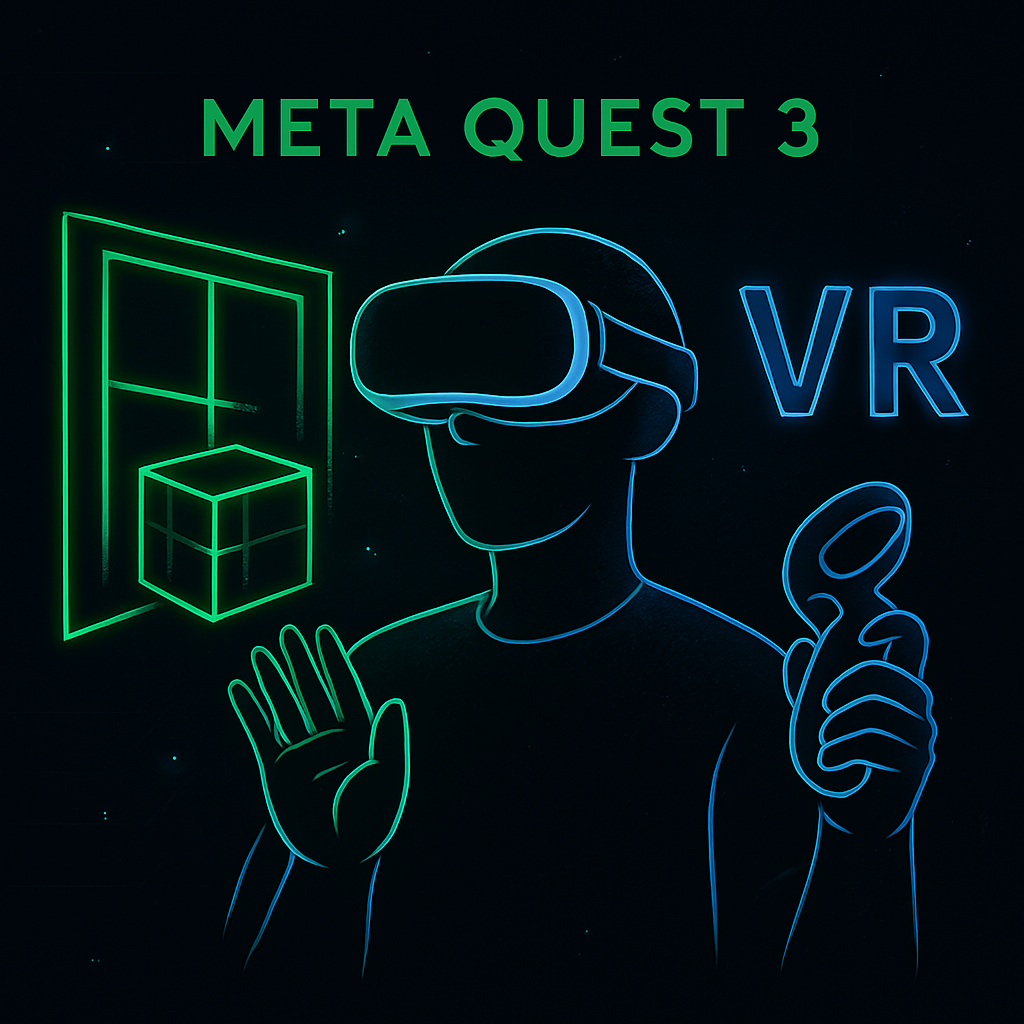
The Quest 3 doesn’t reinvent the headset — it just makes everything better.
It’s slimmer than the Quest 2, better balanced, and honestly, the first one I forgot I was wearing after 30 minutes.
The new fabric straps feel closer to something from Bose or Sony than a budget gaming toy.
That pill-shaped front visor? It gives off subtle sci-fi gadget vibes without looking ridiculous.
Yes, you still look like you’re wearing a VR headset — but now it feels like it belongs on your desk, not just your game shelf.
Ventilation is the hidden hero here.
After an hour inside Asgard’s Wrath 2, it ran cooler, didn’t fog up, and didn’t bake my forehead.
Small upgrade? Maybe. But one that changes everything about longer sessions.
🔍 Display and Optics: A Big Leap You Can Actually See
Meta’s new pancake lenses are a massive win.
They’re sharper, brighter, and miles better than the fresnel lenses on the Quest 2.
The sweet spot is wider — meaning no more constantly adjusting the headset just to get clarity.
Resolution bumps up to 2064 × 2208 per eye. That might not sound huge, but in real life?
- Text is readable
- UI elements are crisp
- Games look noticeably cleaner
Even the full-color passthrough feels usable, not gimmicky.
I checked my phone, navigated around furniture, and even poured a drink — all without taking the headset off.
Is it Apple Vision Pro-level? Nope.
But that’s not the goal. This is VR you can afford, not a $3,500 concept car.
⚙️ Performance: The XR2 Gen 2 Delivers
Meta’s partnership with Qualcomm finally pays off. The Snapdragon XR2 Gen 2 chip brings:
- Smoother frame rates
- Faster app loading
- Better passthrough and hand tracking
- More stable multitasking
I jumped between Red Matter 2, FitXR, and the Meta browser — and it all felt closer to a smartphone than a VR device.
This is the first Quest that doesn’t feel like a compromise.
Mixed Reality: Useful, Not Just Novel
The Quest 3’s biggest pitch is mixed reality — the ability to blend digital objects into your physical environment. And unlike the Quest Pro, this time it actually works well.
Color passthrough is sharp enough to navigate your room, read your phone, or interact with real objects without removing the headset. Apps like PianoVision, Figmin XR, and Lynx MR show what’s possible when virtual and physical spaces merge.
But here’s the honest truth: mixed reality is still early. It’s promising, but not essential. Most users will still spend the majority of their time in full VR.

🖐️ Hand Tracking + Controllers: A Fork in the Road
The new Touch Plus controllers ditch the tracking rings.
They’re lighter, more natural to hold, and still track flawlessly.
But honestly, the real surprise is hand tracking.
Meta quietly made it good — really good.
I launched apps, browsed content, and navigated menus using just my hands.
For casual use, I barely missed the controllers.
This feels like a transition moment. Controllers aren’t going away, but Meta is clearly building toward a hands-free future.
🎮 Content Library: Still the Best in Standalone VR
This is where Meta dominates.
The Quest Store is packed with:
- AAA games
- Fitness experiences
- Productivity tools
- Social spaces
- Experimental MR apps
Titles like Demeo, Population: One, and Walkabout Mini Golf still lead the pack.
If you’re into VR gaming, this is the strongest library available.
If you’re not, it can feel thinner than expected.
💼 Productivity and Daily Use: Almost There
Meta wants the Quest 3 to be more than a gaming device — and it’s closer than ever.
You can:
- Browse the web
- Use virtual monitors
- Watch movies
- Join meetings
- Take notes
- Multitask in mixed reality
But it’s still a supplement, not a replacement.
Virtual monitors work, but aren’t crisp enough for full-day use.
This is Vision Pro territory — just at a very different price point.
🔋 Battery Life: The Same Old Story
Battery life remains around two hours.
That’s fine for fitness sessions or gaming, but not enough for long productivity blocks without a battery strap.
It’s still the Quest’s biggest limitation.
👥 Who Is the Quest 3 Really For?
✔️ Gamers
✔️ Fitness users
✔️ Tech enthusiasts
⚠️ Productivity seekers
❌ Mainstream casual users — for now
The Quest 3 feels closer to “VR for everyone” than any headset before it — but it still lands best with gamers and early adopters.
🧠 Final Verdict: VR’s Most Balanced Headset Yet
The Meta Quest 3 isn’t revolutionary — but it’s refined, powerful, and accessible.
It improves comfort, clarity, performance, and mixed reality without overpromising.
Is it VR for everyone? Not yet.
Is it the best VR headset for most people? Absolutely.
Meta didn’t reinvent VR — but it made it feel ready for the next chapter.
Originally published at https://techfusiondaily.com
One thought on “Meta Quest 3 Review: VR for Everyone or Still Just for Gamers?”